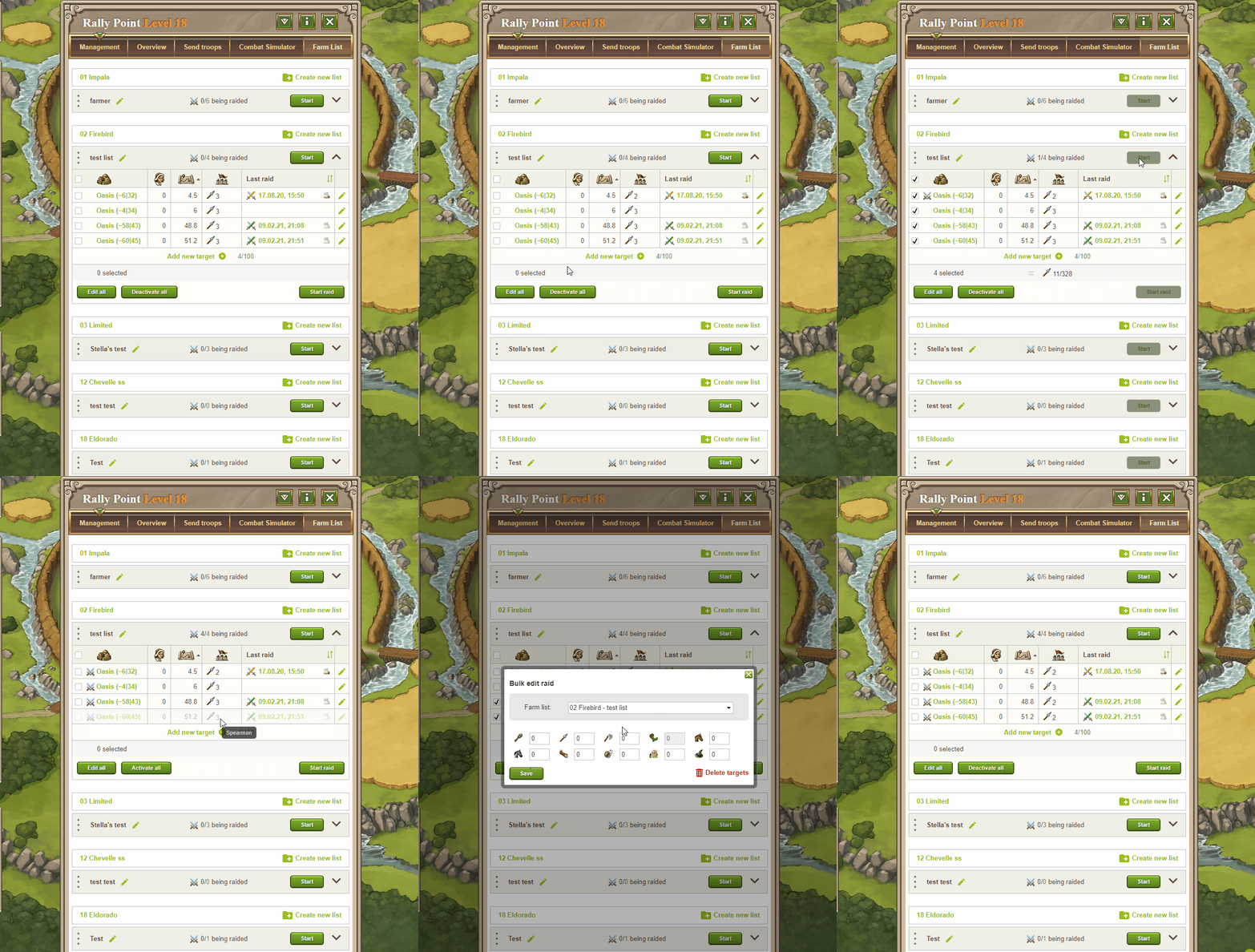
A farm list saves your raid targets so you can send raids to all of them with one click. Every player can use farm lists. You don't need the Gold Club.
Open your Rally Point and select the Farm List tab. You'll see your farm lists, grouped by village. From here you can create, edit and send them.
You can have up to 100 farm lists.
Each list holds up to 100 targets.
The tab shows how many lists you have, for example "Farm lists: 1/100".
In the Rally Point, open the Farm List tab.
Select Create new list.
Name the list and choose the village the raids will start from.
Add targets.
You can add a target by entering its coordinates, or pick it from the recent raids sent from the same village. For each target you set:
the target (a village or an oasis)
the troops sent in each raid
Each target can appear only once per list. If you add the same target again, even with different troops, the game shows "Slot with this target already exists in the raid list". To raid one target with two different troop setups, put the second setup in another list.
From a farm list you can:
Send all targets at once with Start.
Send only the targets you select.
Deactivate a target to skip it for now, for example when it has troops to defend it. It stays on the list, and you can turn it back on at any time.
The number on the Start button (for example "Start (8)") counts every active target. It doesn't tell you how many raids your troops can actually fill.
When the village runs out of troops, the game skips the rest of the targets with the message "There are not enough troops in the village." The targets that were skipped are marked in red, but only after you send. Check your troops before you press Start.
Note: Start also sends to targets whose last raid is still on its way, so one target can be hit by two raids at once. To avoid this, deactivate those targets or send only the targets you select.
If a target's troops are only scouts, the game sends a scouting mission instead of a raid.
Make one list per village and route, so you can send each group of targets on its own.
Read your raid reports. Turn off targets that have defenders or bring back little loot.
Each list shows its active targets and when you last raided them. You can edit, deactivate or send right from the list.